About course
This course teaches you how to automate Excel. You will start by recording macros and understanding what the code means. Then you will write your own VBA: work with cells and ranges, loops, conditions, and events. You’ll build user forms, add buttons, and handle errors safely. You will learn best practices like avoiding Select/Activate, using With blocks, and making your code fast and easy to maintain. By the end, you’ll create daily reports in one click, clean messy data, and even send emails directly from Excel.
Course format: Self-paced recorded sessions
Language: English & Hindi
Projects included: 3 hands-on projects — Data Cleanup Macro, One-Click Monthly Report, Email KPIs via Outlook
Duration: ~8–10 hours of video + practice files
Level: Beginner to Intermediate
Key Skills
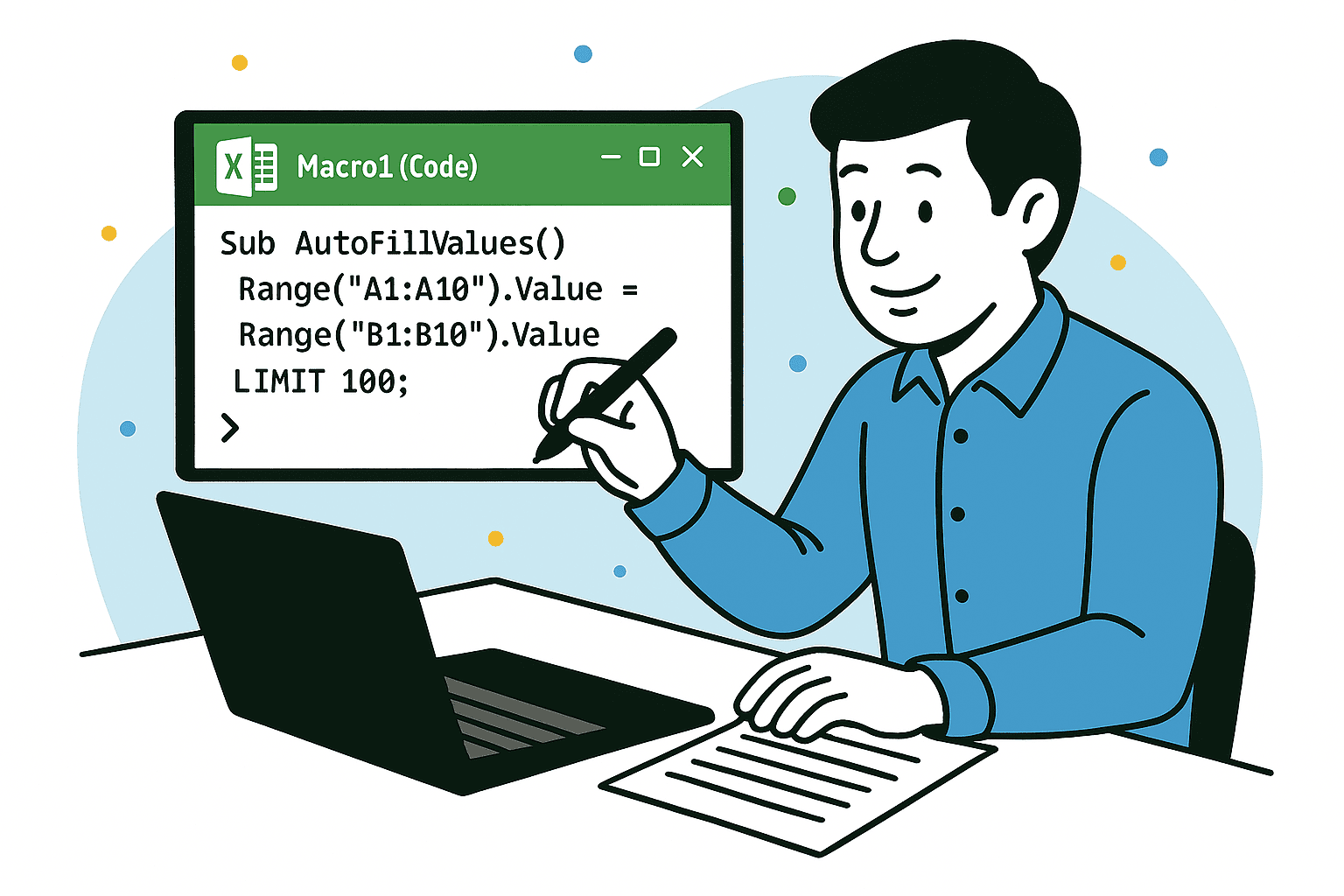
Record and edit macros (Macro Recorder to real code)
VBA basics: variables, data types, conditions (If), loops (For/For Each/Do)
Work with cells, ranges, tables, sheets, and workbooks
Clean and transform data with VBA (trim, split, remove blanks, de-duplicate)
Events (run code when a sheet opens, changes, or on button click)
Error handling and debugging (breakpoints, step-through, Immediate Window)
Speed tricks (avoid Select/Activate, Screen Updating, arrays)
Work with files and folders (import CSVs, save PDFs)
Integrations: refresh PivotTables/Power Query, send Outlook emails with attachments
Best practices: readable code, modules, comments, simple architecture
Security and setup: enabling macros, trusted locations, signing